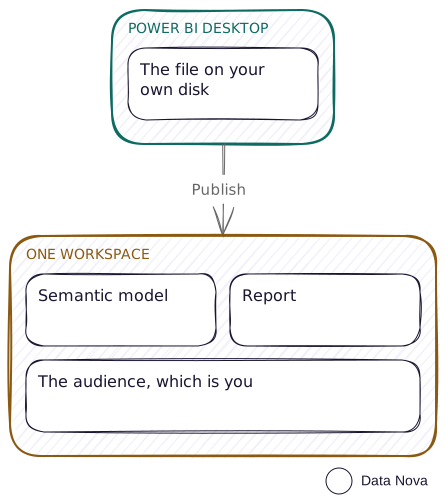
This is the pattern before any lifecycle exists. It is worth naming so you can tell when you have moved past it. Working this way is fine while you are the only person using the reports. As soon as somebody else relies on them, it is not.
Who it fits
- One person building, and nobody else consuming
- A proof of concept, a spike, a "can Fabric even do this" week
- Content whose audience is you
How it is set up
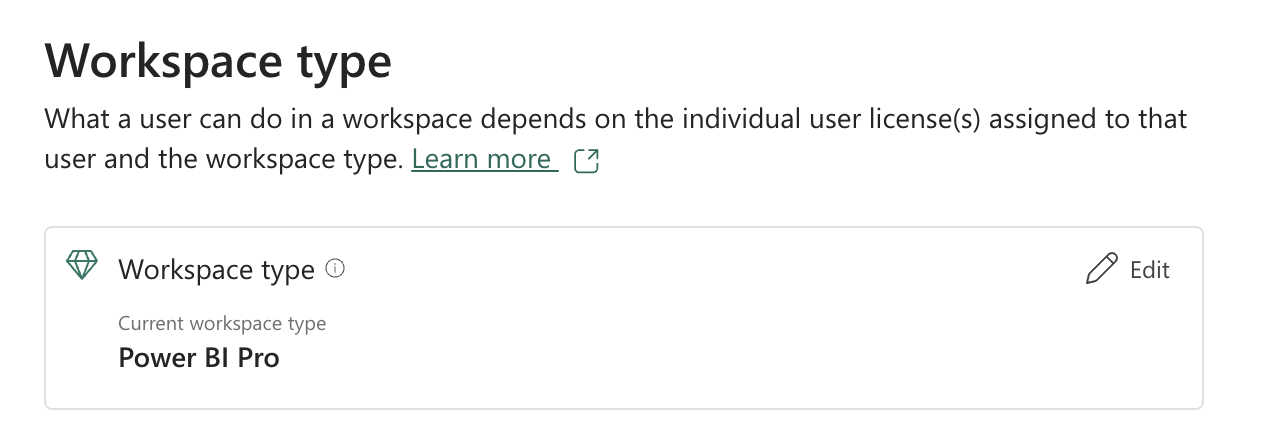
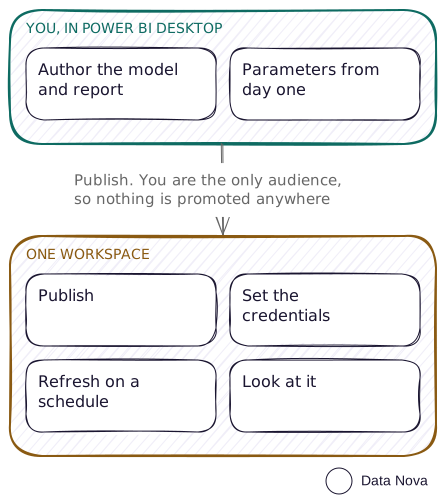
There is not much to it, which is the point. One Pro workspace, or one workspace on a trial capacity if you need lakehouses and notebooks. Publish from Desktop, refresh on a schedule, look at it.
Where the query lives
Power Query sits either inside the Power BI file, or in a Gen1 dataflow if you have moved the transformation upstream. On Pro that is the only dataflow you get, because Gen2 needs a capacity, so it is available on a trial and gone when the trial ends. What else Gen1 costs you is on the Pro only workspace pattern.
Parameters work in both. In a dataflow they are set per dataflow, so each one carries its own.
// Two parameters, then one source that reads them.
Server = "sql-dev.example.com" meta [IsParameterQuery=true, Type="Text"],
Database = "Sales_Dev"         meta [IsParameterQuery=true, Type="Text"],

let
    Source = Sql.Database(Server, Database),
    Sales  = Source{[Schema="dbo", Item="FactSales"]}[Data]
in
    Sales
The whole of it, drawn. There is no promotion step, because there is nowhere to promote to.
What it costs
One Pro licence. Or nothing, on a 60 day trial capacity, which reports its SKU as FTL64 and behaves as an F64 for those 60 days. Fine for proving something, never for a cutover date.
What breaks
Nothing, until someone else looks at it. Then everything breaks at once: a half-finished change in front of a director, a refresh you broke at four o'clock on a Friday, and no way to answer what it looked like last week.
When this breaks down
Someone who is not you opens the report and makes a decision from it. That is the line. Not team size, not data volume. The moment anyone depends on your reports, the workspace they read from should not be the workspace you build in.
When you cross that line, three Pro workspaces with manual promotion is the next step, and it needs no capacity to stand up.