A quick post today. I received an interesting question in a webinar I did recently for “Best of Power BI World Series”. During the webinar, someone asked me “How to deal with a Table or a Matrix visual, when you have a dark background image, light font colour in Focus Mode?”.
What exactly he/she meant?
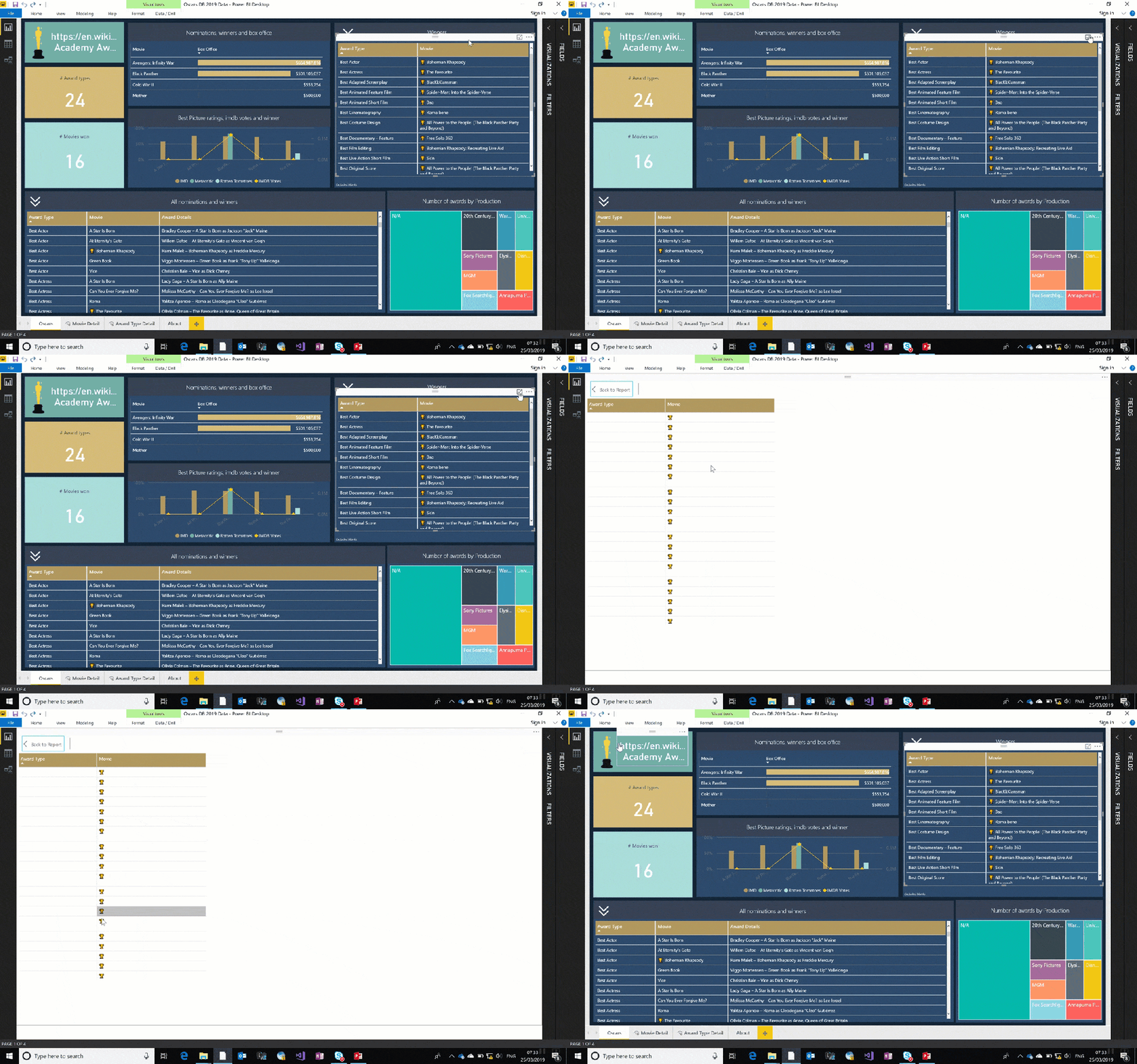
As you see in the below video, when I go in focus mode, I can’t see any values because my font colour and the background colour of Focus mode are white.
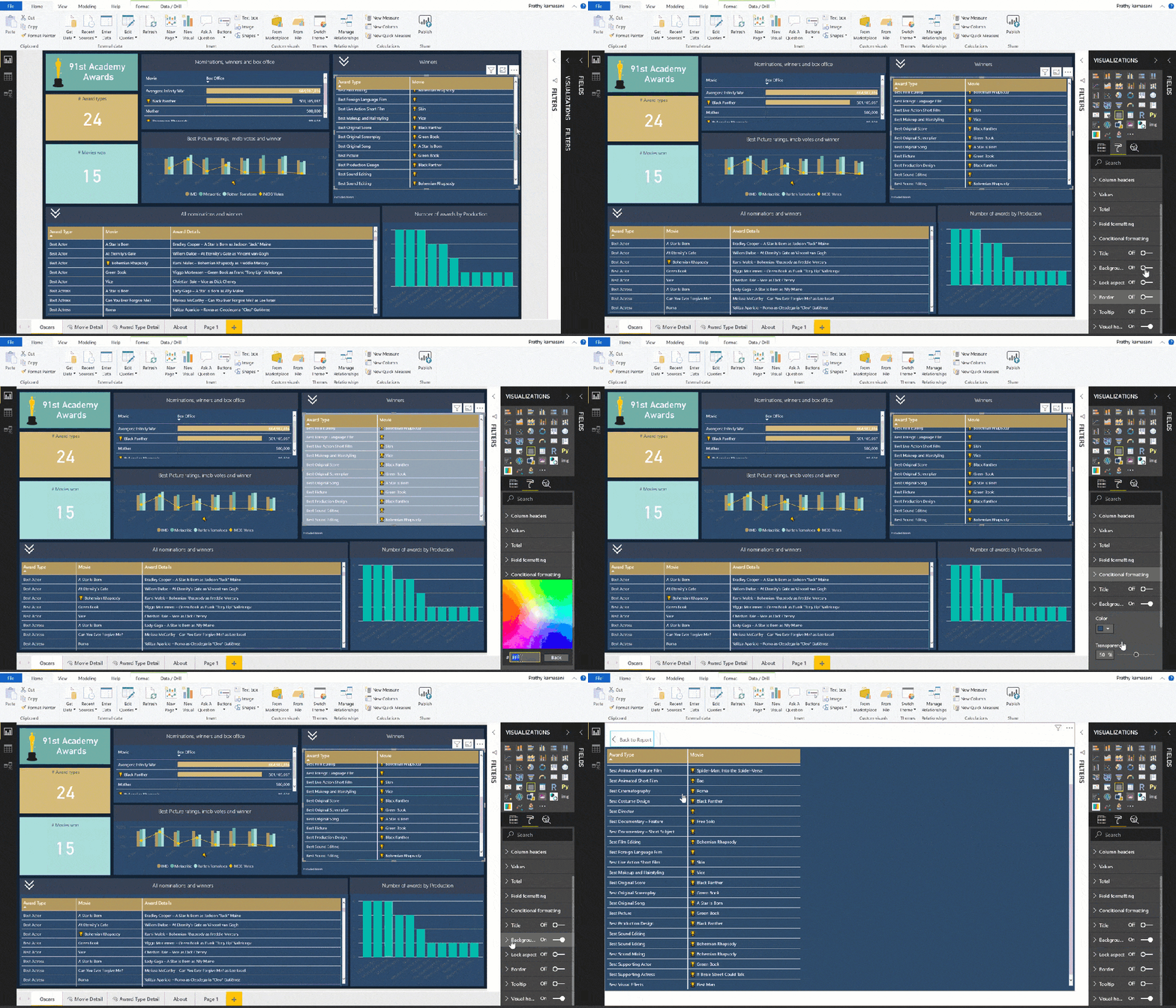
To overcome this, especially when you’re using dark backgrounds, it’s better to use the same colour as background as your visual background too, like below. That way when you go on focus mode, you’ll still see the font. I will be talking more about visual backgrounds in my next post, so stay tuned.
Whenever I work with font colours, I find ColorCombos website very useful. It has a Font Colour Test option, which comes very handy to choose right foreground and background colours. –Https://www.colorcombos.com/colour-schemes/27/ColorCombo27.html
Keep smiling,
Prathy 🙂